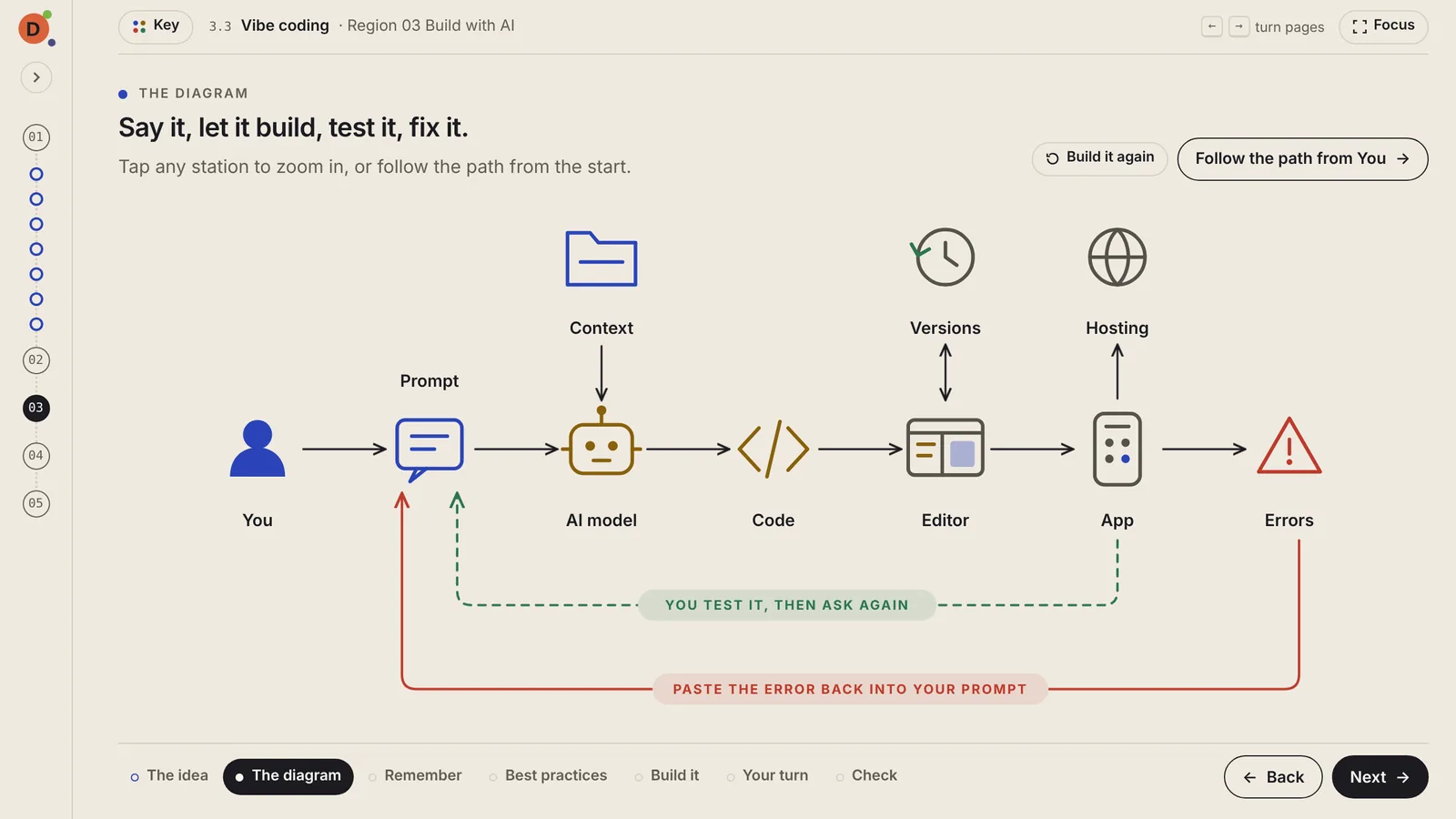
Diagrams that build as you arrive
Stations appear in the order the work flows, then the loops: green for testing, red for fixing errors. Build it again any time to watch the flow once more.
Here's what you get in every lesson, and in the space around it.
01In every lesson
Stations appear in the order the work flows, then the loops: green for testing, red for fixing errors. Build it again any time to watch the flow once more.
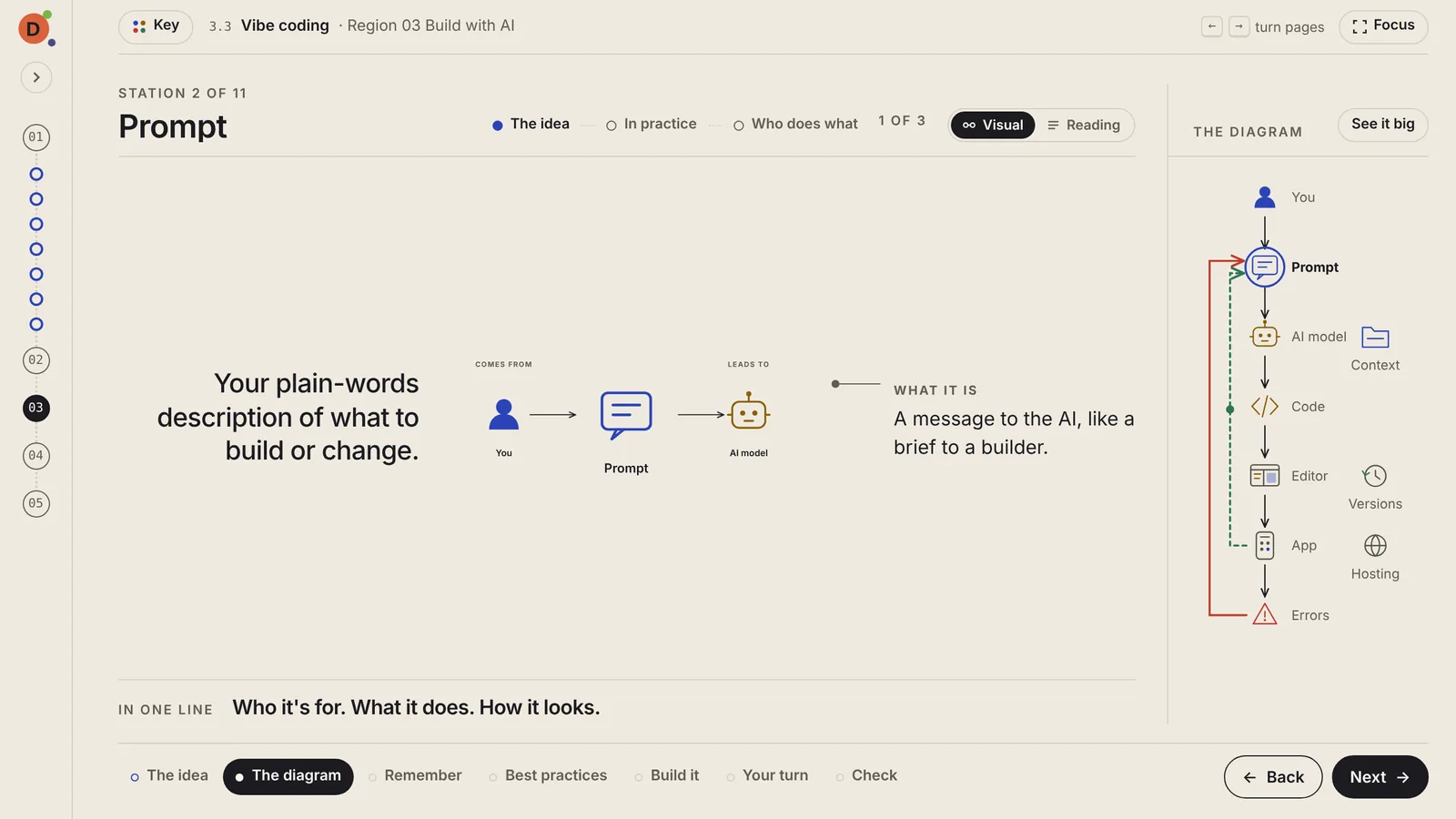
Each station opens into its own screen in three chunks: the idea, in practice, and who does what. The map stays on the side so you always know where you are.
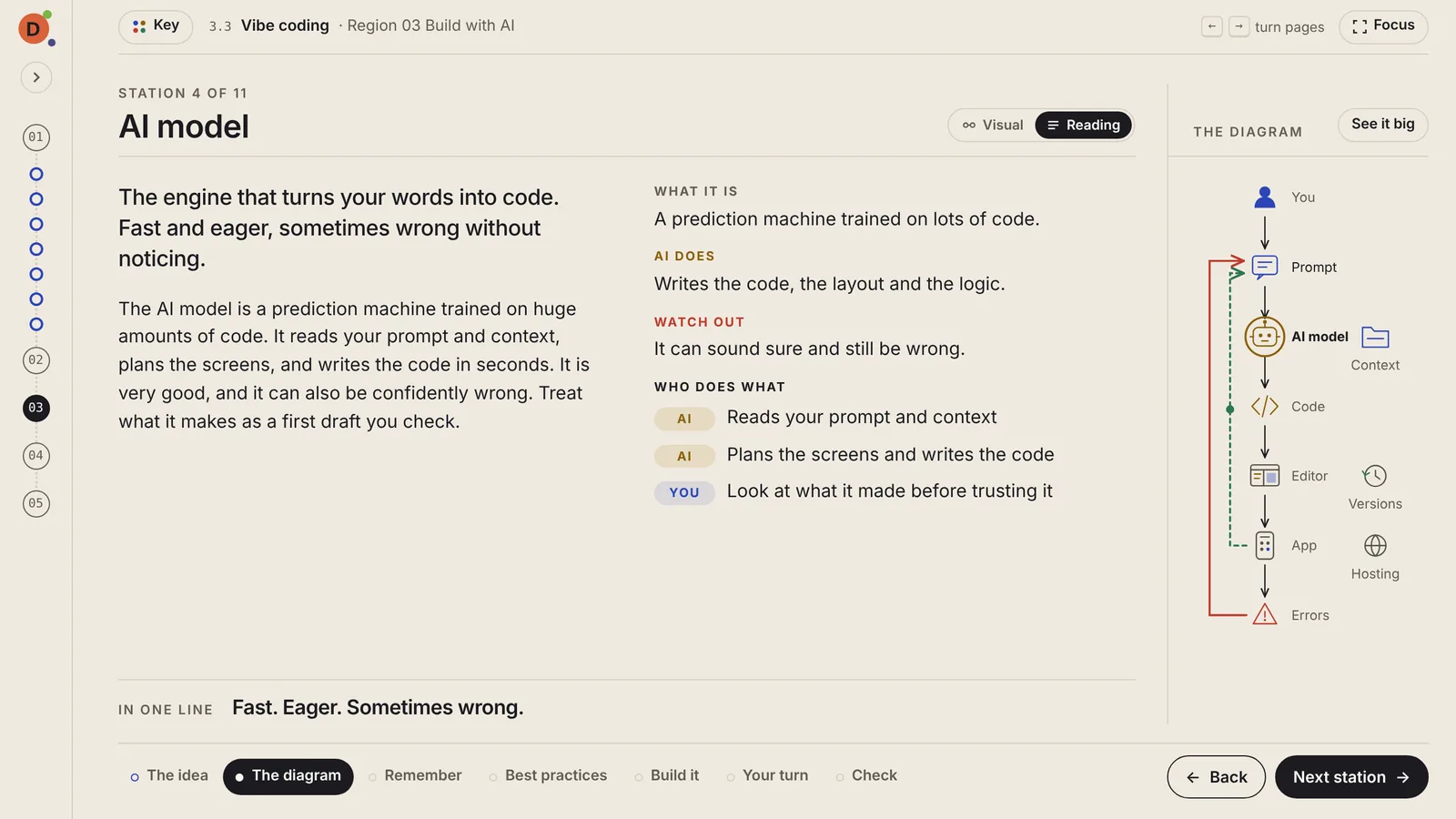
Prefer words? Reading mode puts the full explanation, an example and tips beside each station. Your choice is remembered.
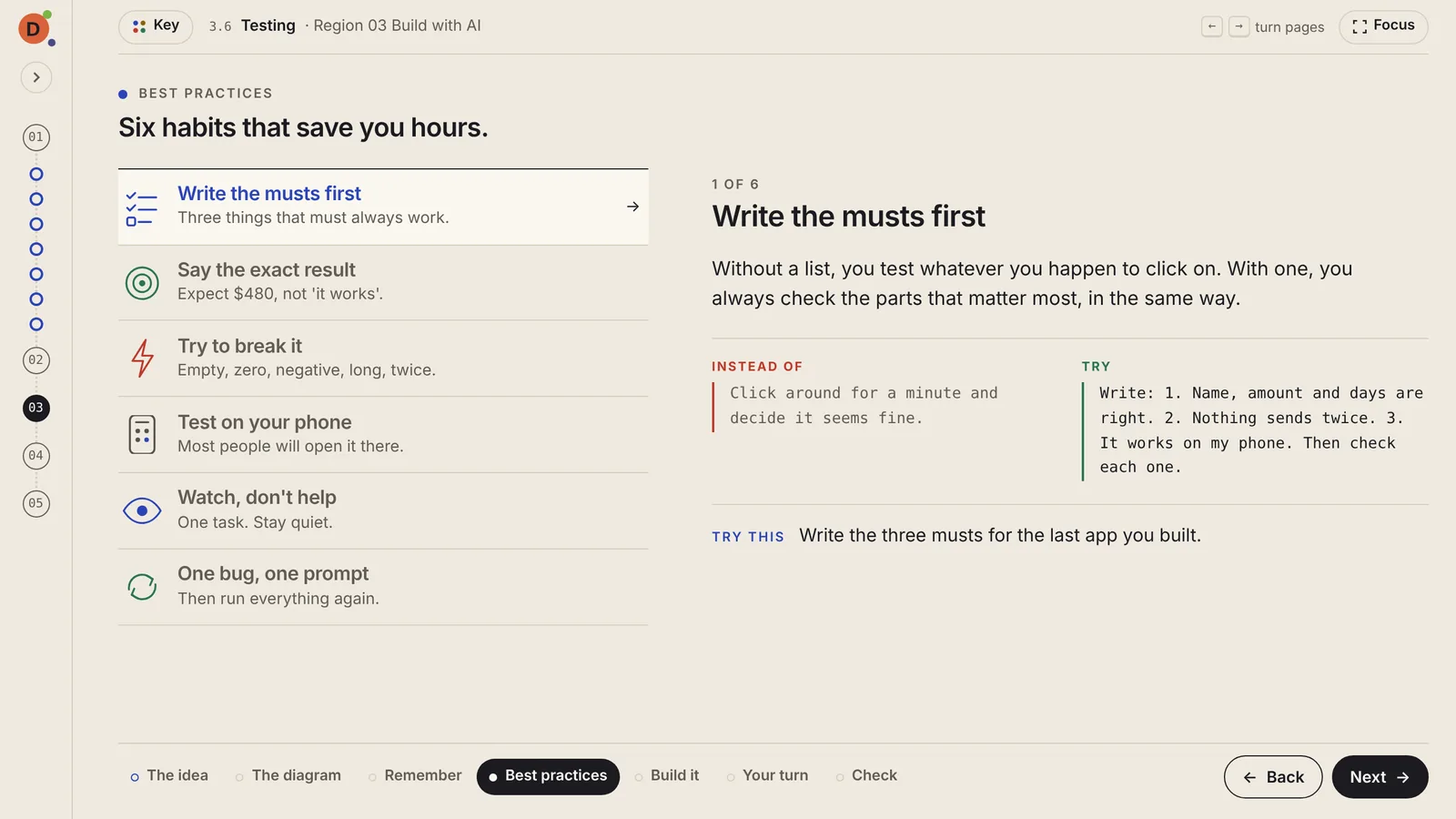
Six habits per lesson. Each one shows what goes wrong without it, what to write instead, and one small thing to try today.
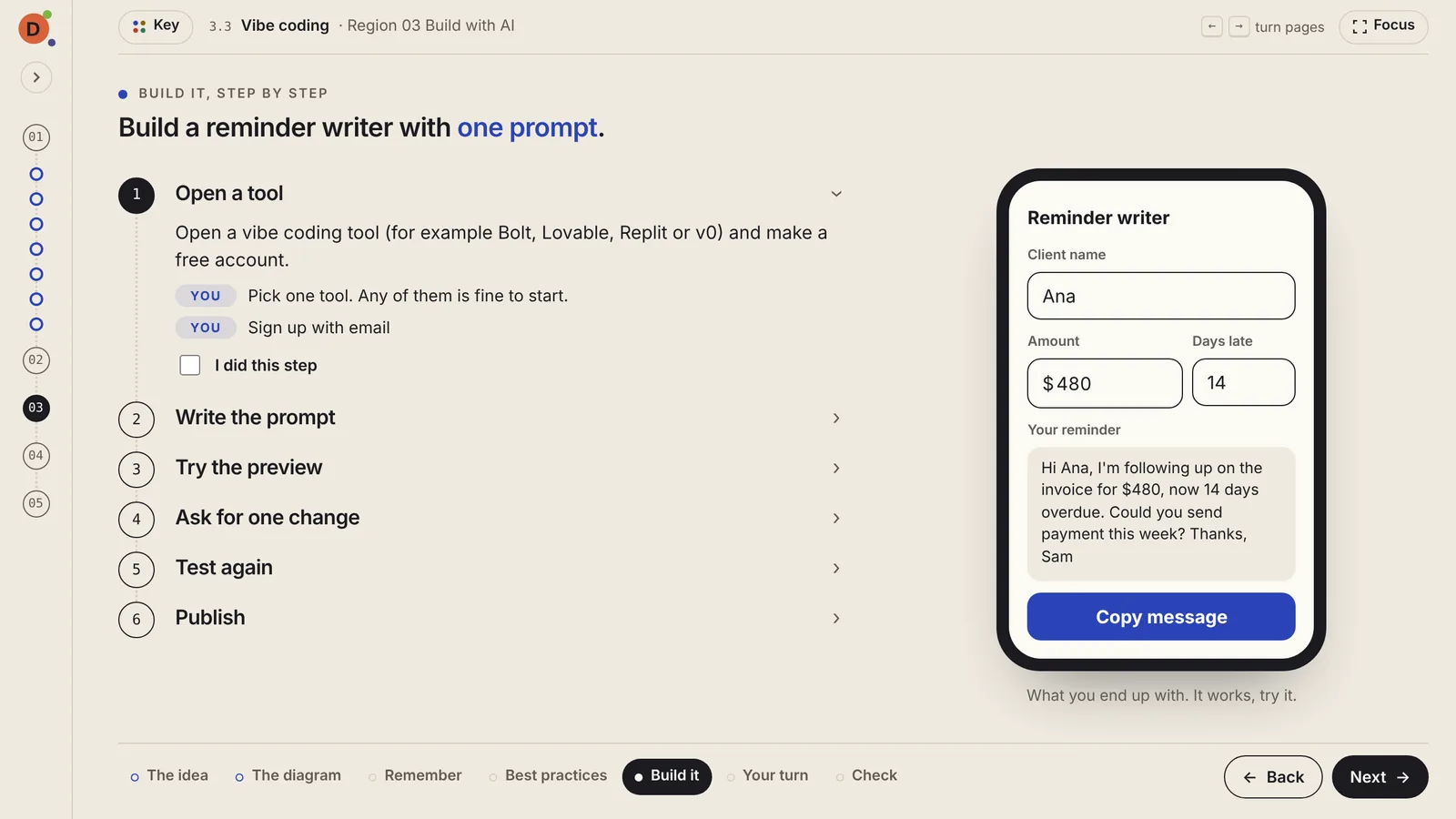
Numbered steps with the exact words to use, and a check mark for each one you finish. Some lessons include a working demo you can try right there.
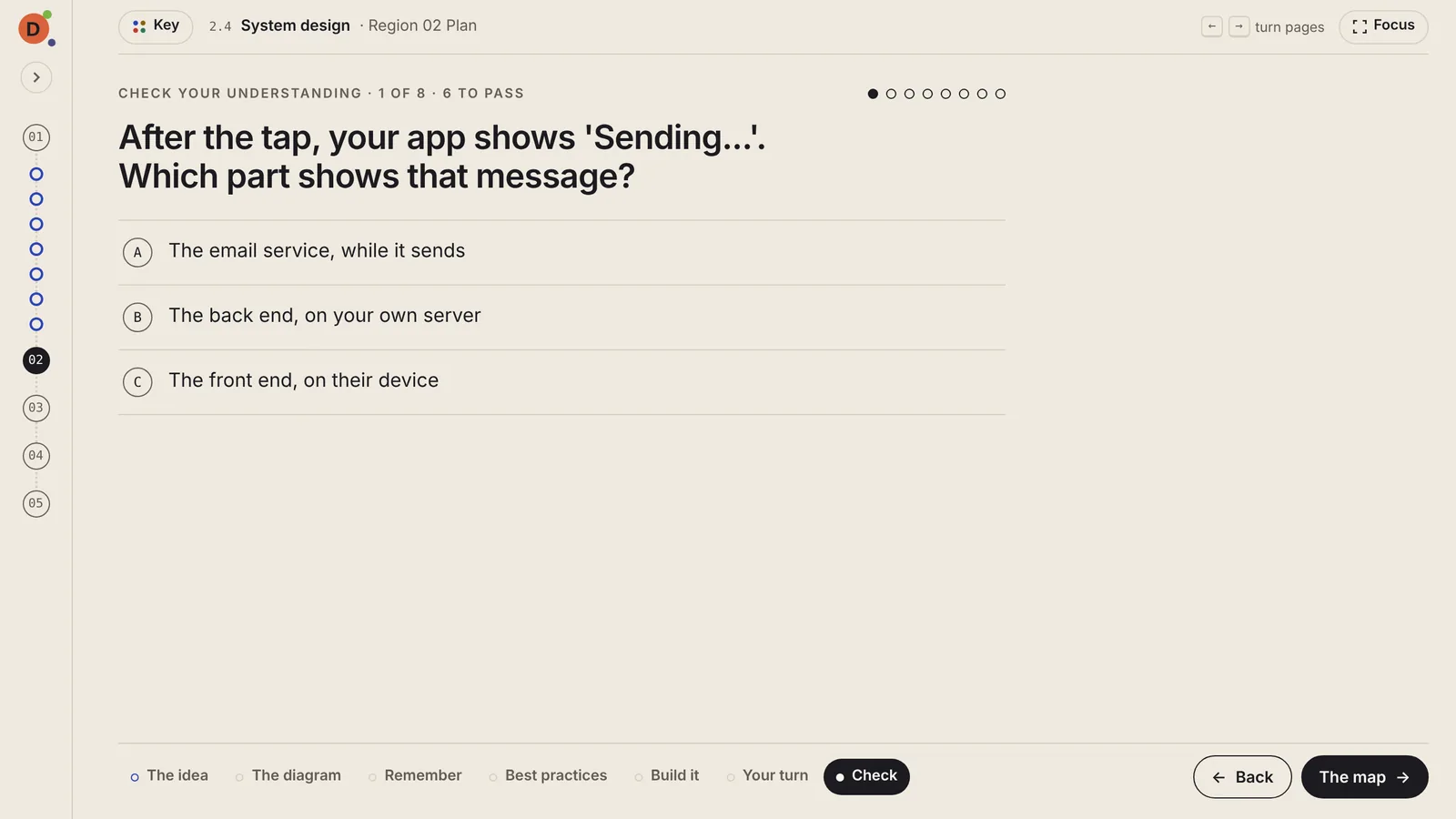
Fresh questions each attempt. Every missed question links to the station or page that teaches it, marked with a red dot until you've reviewed it.
02Around the lesson
The small things that keep you moving.
All five regions and every lesson, with your progress and a "you are here" marker. It tucks away when you need room.
Pass a lesson's check to open the next one, so you never skip the piece that makes the next one make sense.
Hide everything but the lesson. Arrow keys turn the pages.
A quiet legend for every color, line and loop, one tap away.
Close the tab and come back days later. During the beta it's saved in your browser on that computer.
Tell us whether a lesson was clear, confusing or lost you. Every message helps shape the next version.
The first lesson takes about twelve minutes and needs no account.