Map first.Then onestep at a time
Learning something new is hard when nobody shows you how the pieces fit. DotSkills starts every subject with the map, then walks you through it a station at a time.
01Six ideas
Six ideas behind every lesson
These are the rules we write and design to. They're why a DotSkills lesson feels different from a video or an article.
See the whole before the parts
The map of the journey sits beside every screen, and each lesson opens with its full diagram. Details make sense once you know where they go.
A diagram first, words second
Each topic is drawn as stations joined by arrows, in the order the work flows. The words explain what the picture already shows.
One idea per screen
Every page fits a laptop screen with no scrolling. If something doesn't fit, it becomes a new screen.
Zoom in without getting lost
Tap a station and it fills the screen, while a small copy of the diagram stays on the side with your station lit.
Plain words for real beginners
Short sentences, every new term explained the first time, no hype. If something depends on the tool, we say so.
Check it, then do it
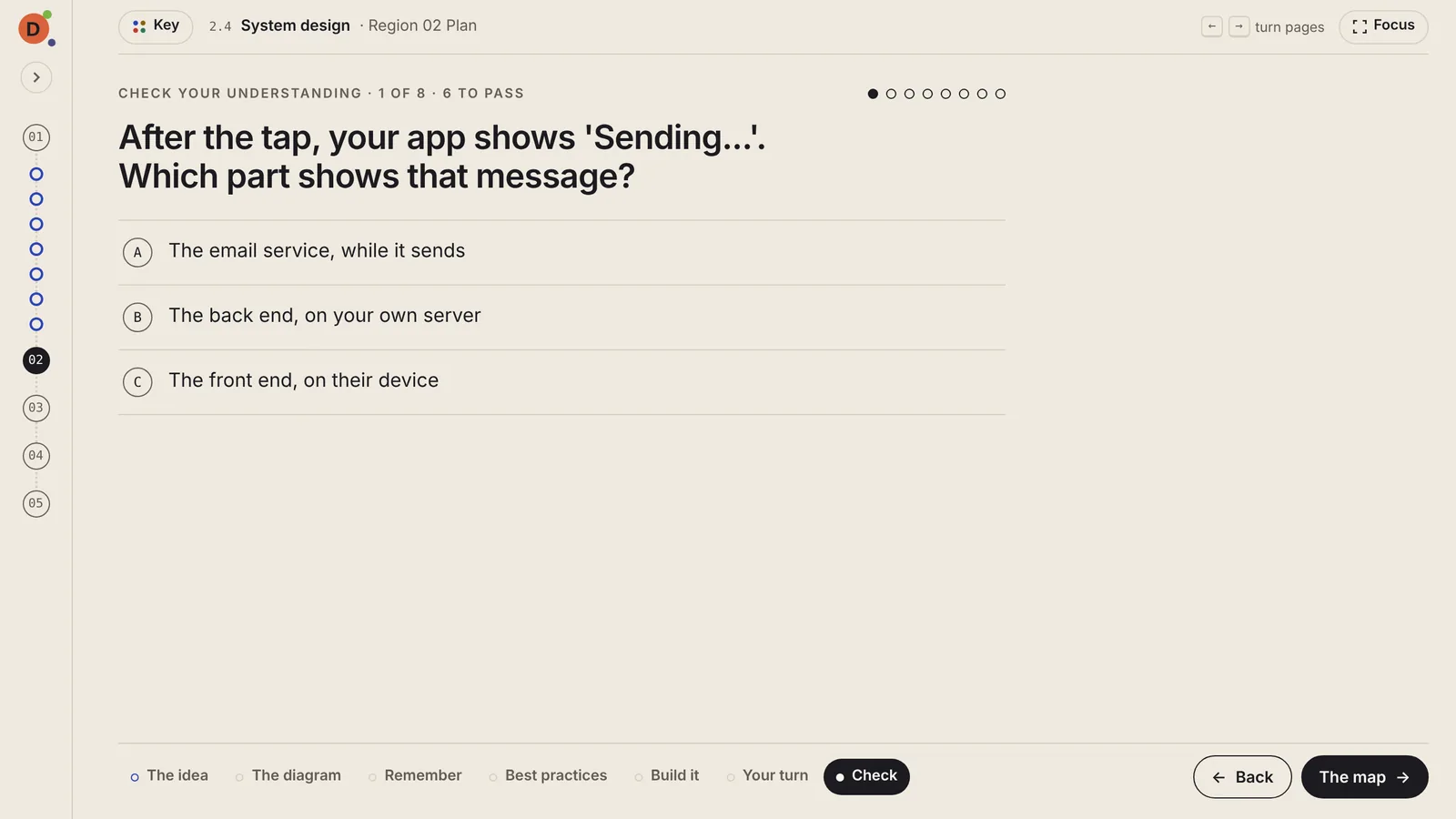
Each lesson ends with a check and a real task. You need six of eight right on the first try, and misses link to the exact place to review. The task is where the ideas become yours.
02Seven pages
The seven pages of every lesson
Same order, every time. After your first lesson, the shape disappears and you just learn.
- 1The idea
- 2The diagram
- 3Remember
- 4Best practices
- 5Build it
- 6Your turn
- 7Check
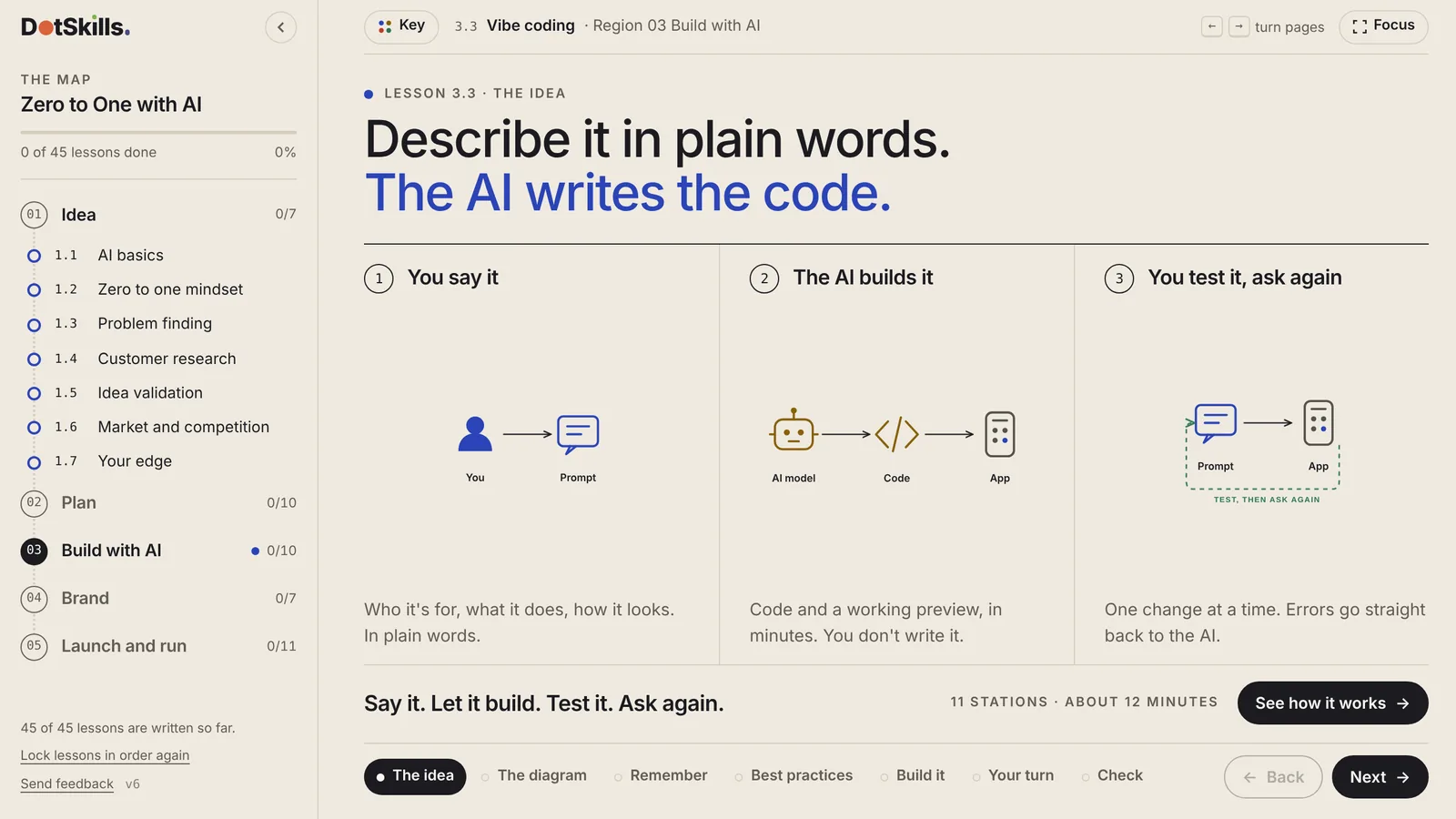
The idea
The lesson in one headline and three small panels, so you know where you're going.
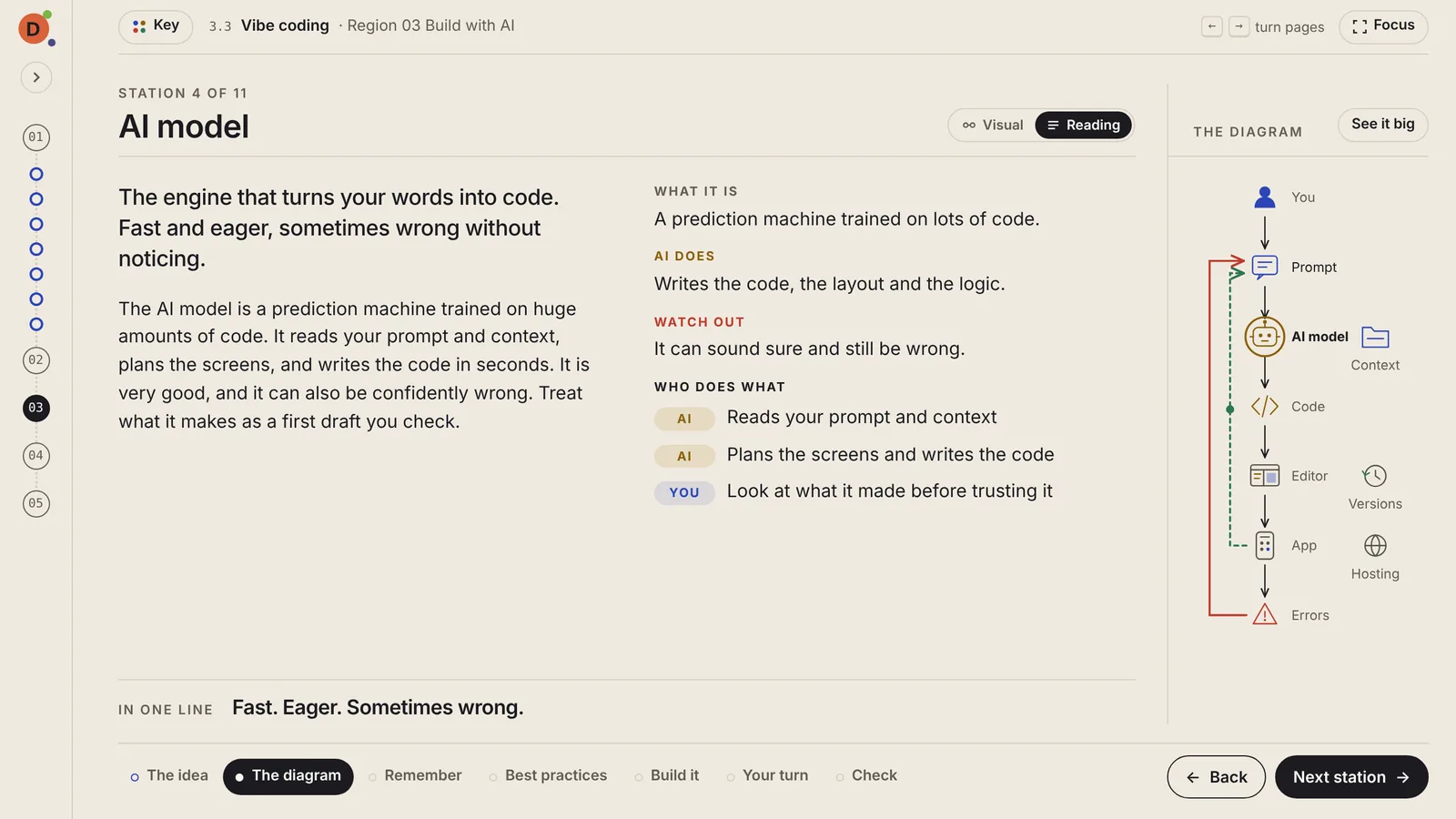
The diagram
The full picture builds in front of you. Tap any station, or follow the path from the start. Reading mode gives you the full written explanation instead.
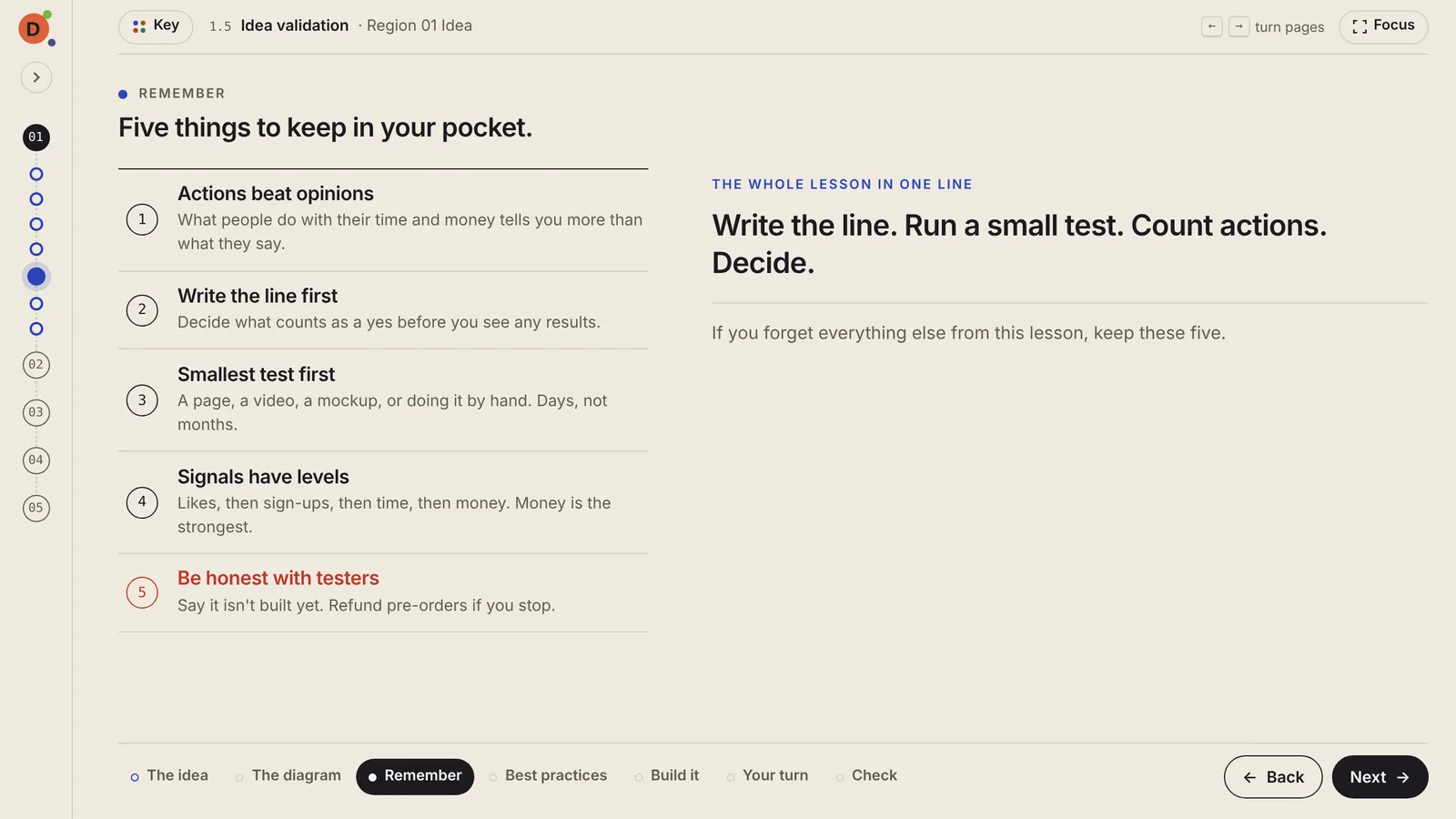
Remember
Five things to keep, including the one to watch out for, with the whole lesson in a single line.
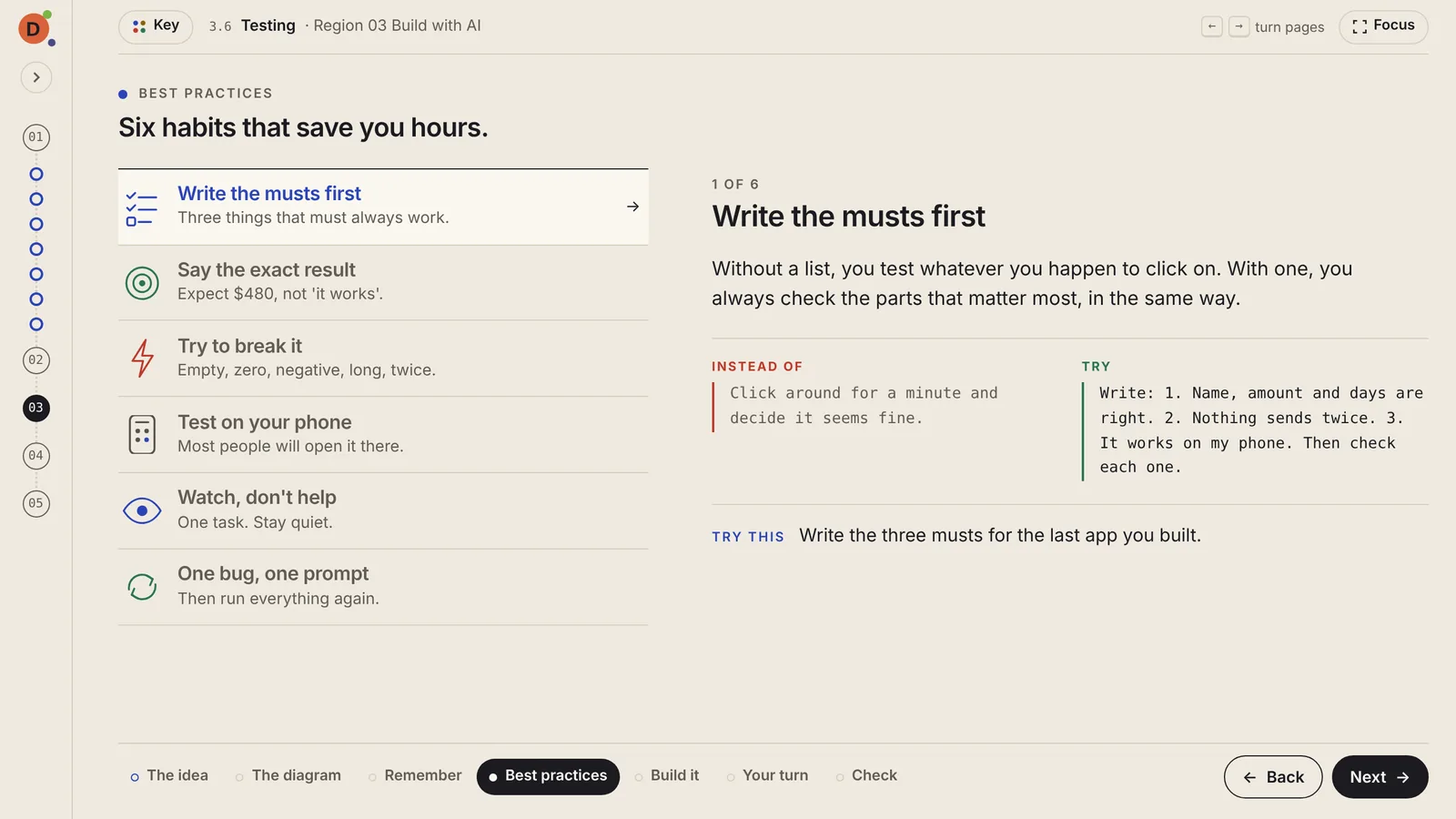
Best practices
Six habits, each with why it matters, what to do instead, and one small thing to try.
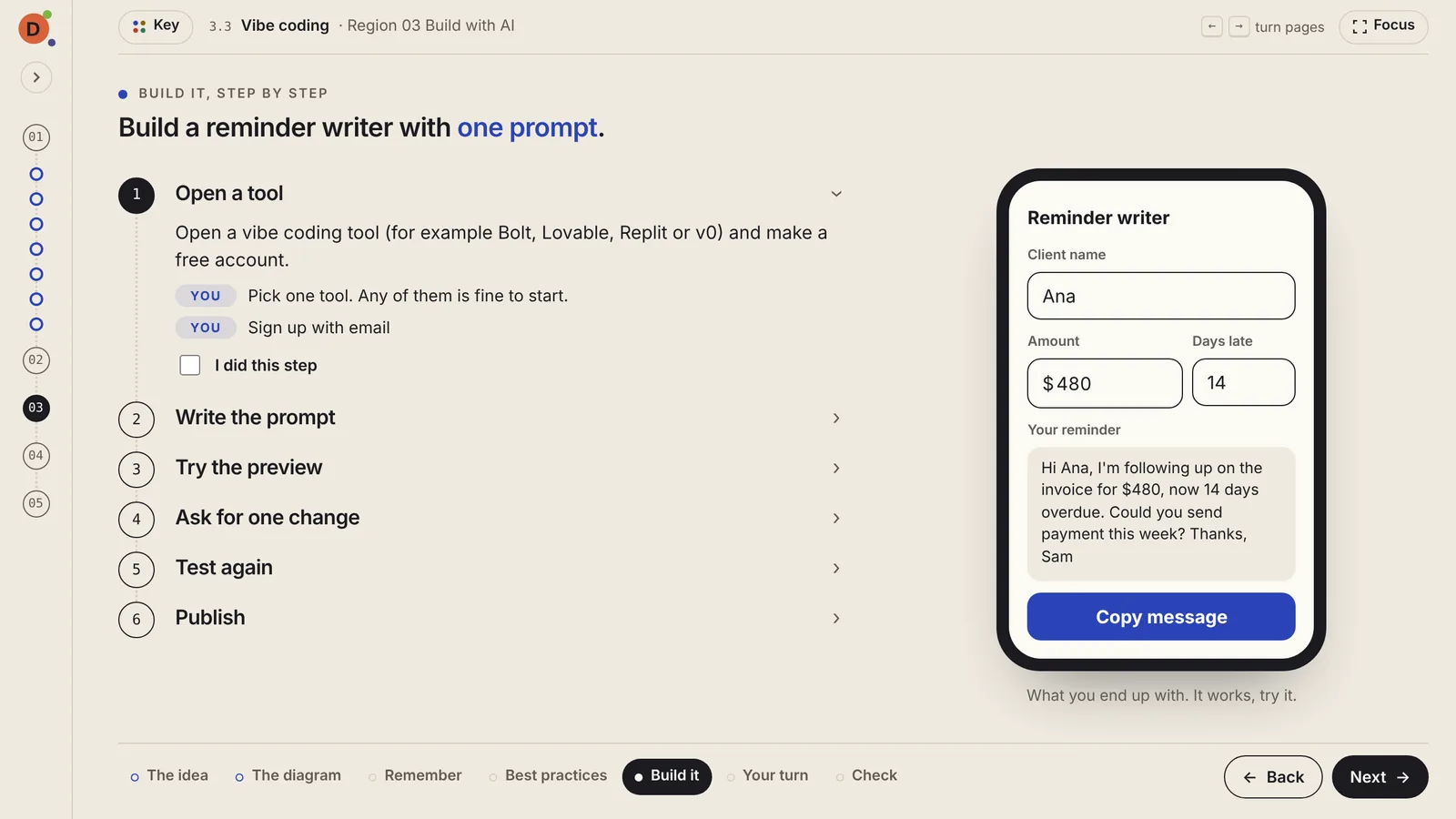
Build it, and 6, your turn
A numbered walkthrough of one real build, then one task to do on your own project, with an "I did it" box.
Check
Questions drawn from a larger pool, so a retake is never the same test. Wrong answers are mistakes beginners really make, so guessing doesn't get you through.
Try one lesson. It takes about twelve minutes.
Start at the beginning, or open the map and jump to the topic you need most.